Writing for V3: ElevenLabs voice markup we actually use
A working set of V3 audio tags, pacing rules, and chunking strategies - pulled from the coffee video script. The conventions that survive contact with real production.
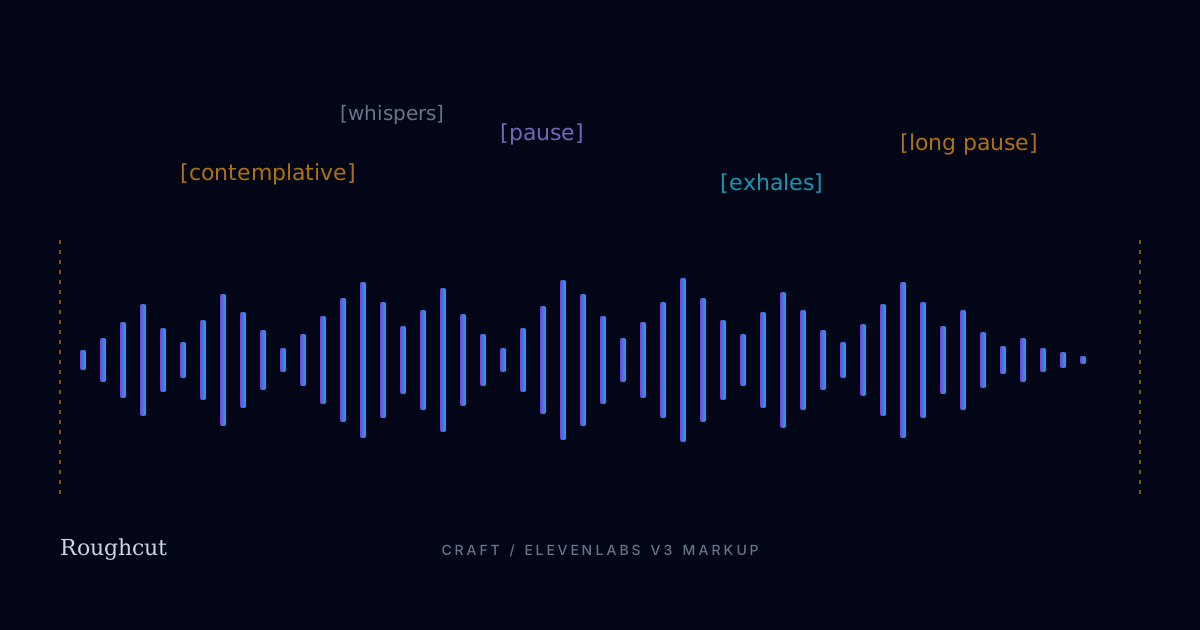
ElevenLabs V3 has a markup vocabulary that ranges from "indispensable" to "actively makes the voice worse." This is the working set we use in production, distilled from the coffee video script and about 60 other renders since.
The voice matters more than the tags
Before any markup discussion: voice selection is 70% of the result.
Default for narrative work: Bradford, Stability set to Natural, Style at 0, speaker boost on. That combination produces a baritone narrator who sounds like he has been awake for an hour but not three hours. He neither performs nor mumbles. We have re-rendered roughly forty videos in five other voices to test, and Bradford wins for any piece longer than 90 seconds.
The runner-up for first-person POV is Adam with Style nudged to about 0.18. Adam reads slightly younger, slightly more present. Use him for "you" stories aimed at a younger audience. Avoid him for explainers - he can't sit still long enough.
We avoid Stability set to Robust entirely. It produces TED-talk cadence. We avoid Style above 0.4 for narration - at that level the model starts adding emotional flourishes that overpower the script.
The five tags that earn their keep
After a lot of A/B'ing, these are the only tags we use in long-form narrative:
[contemplative]
Lowers baseline pitch by about a semitone, slows attack on consonants, adds a touch of breathiness. Use it at the start of a chunk to set tone, not inline. Once per generation chunk maximum.
[contemplative] You are no longer inside the cherry.
Inline usage degrades quickly - the model "performs" contemplation, which sounds the opposite of contemplative.
[pause]
Inserts roughly 600–700ms of silence. The voice's tonal vector carries through the pause, so the next line sounds like a continuation, not a cold start. This is the single most underused tag in scripts we audit.
The fruit is gone. [pause] Pulled away.
A [pause] between a noun and its trailing verb gives the listener room to picture the noun. Use it where you want the image to land.
[long pause]
Roughly 1,200ms. Use sparingly - twice in the coffee video, both at act breaks. More than three in a five-minute piece feels theatrical.
[exhales]
Adds a breath without breaking the line. Honestly one of the best things in V3 - most synthetic voices feel airless because they never breathe. Drop one every 30–45 seconds in long-form narration; it doubles believability.
What is left of you is a green bean. [exhales] Small. Hard. Quiet.
Do not place an [exhales] mid-sentence. Always between sentences or after a comma at a natural breath point.
[whispers]
Drops volume, lifts breathiness. Use once per video, never twice. Reserve for the emotional payoff line.
Tags we tested and rejected
[laughs],[chuckles],[sighs]- too theatrical, breaks the spell on first listen. We use them only when the script is explicitly comedic.[excited],[serious]- over-aggressive. They steer the whole following sentence toward caricature.- Multiple tags in one bracket pair (
[contemplative, slow]) - undocumented and inconsistent. Skip. - Custom or made-up tags - V3 silently ignores them, but they can confuse downstream tools that strip non-whitelisted markup.
Pacing rules
Three rules that have held up across roughly 60 production scripts:
Rule 1: Short sentences are 60% of the work. V3 paces well on short clauses. It pace-drifts on long compound sentences. If a line goes over 14 words, split it.
Rule 2: Periods are pauses; commas are not. A sentence ending earns about 350ms of natural rest. Commas are barely felt. If you want a beat, end the sentence.
Rule 3: The first 8 words of a chunk set the cadence. The model picks up rhythm from the opening clause and rides it. Start a chunk with the cadence you want to continue.
Chunking past the 4,500-character ceiling
V3's quality drops noticeably past about 4,000 characters per generation, and the hard ceiling is around 4,500. Anything longer needs to be split.
Our chunking protocol:
- Aim for 800–1,200 characters per chunk. Below 800 you lose tonal continuity across the splice; above 1,200 you start to drift.
- Split on a paragraph boundary, never mid-paragraph. The model resets context at the start of each generation, so paragraph boundaries are forgiving; mid-paragraph splits sound like jump cuts.
- Re-state the tone tag at the top of each new chunk if you set one explicitly. The model does not carry tags across chunks.
- Render with the same seed if you need consistency between adjacent chunks. (Seed support is configurable per project.)
- Splice with a 40ms crossfade, not a hard cut. Even tonally-matched chunks have a 20–40ms attack difference at the boundary; the crossfade hides it.
For the coffee video specifically: 8,420 characters total, 8 chunks averaging 1,053 chars, all spliced with 40ms crossfades. We had to re-render chunk 5 because Bradford swallowed the consonant cluster in "crushed between cold stones" - a common failure mode on hard-stop consonants at the end of a clause.
Common mistakes we still see
- Tag salad. A line with three tags in it. The voice tries to do all of them at once and ends up sounding seasick.
- No breaths. A 90-second monologue without a single
[exhales]. Listen to it. It sounds wrong even if you can't name why. - Pitching for emotion. Writing "say this sadly" in caps next to a line. V3 ignores plain-English direction; use the markup or rewrite the line so the words carry the emotion.
- Ignoring the punctuation. Removing periods because "the model handles pacing." It does not. Periods are your most powerful pacing tool.
- Reading the script silently. Always read your script aloud before generation. The cadence you don't catch with your ear, you won't catch in production.
Putting it all together
Here is a 280-character V3-marked block from Act 5 of the coffee video, with the markup intact:
[contemplative] Someone is holding you.

[pause] A small white cup.

The first sip is hot. [exhales] You feel it travel.

And in that one second - for the first time - you are not a bean.

[long pause] You are coffee.
That block runs about 22 seconds when narrated. Every tag earns its place. Nothing is decorative.
What to read next
- Anatomy of a 5-minute AI narrative: "Your Life as One Coffee Bean" - see the full V3 script in context.
- POV vs. omniscient narration: choosing the right narrator - the structural choice that determines which voice you should use.
- From script to upload in under an hour: a creator's workflow - where script writing fits in a real production cycle.
Practice on the Voice Markup Tester (free, no signup) before your first paid render.
More from the field
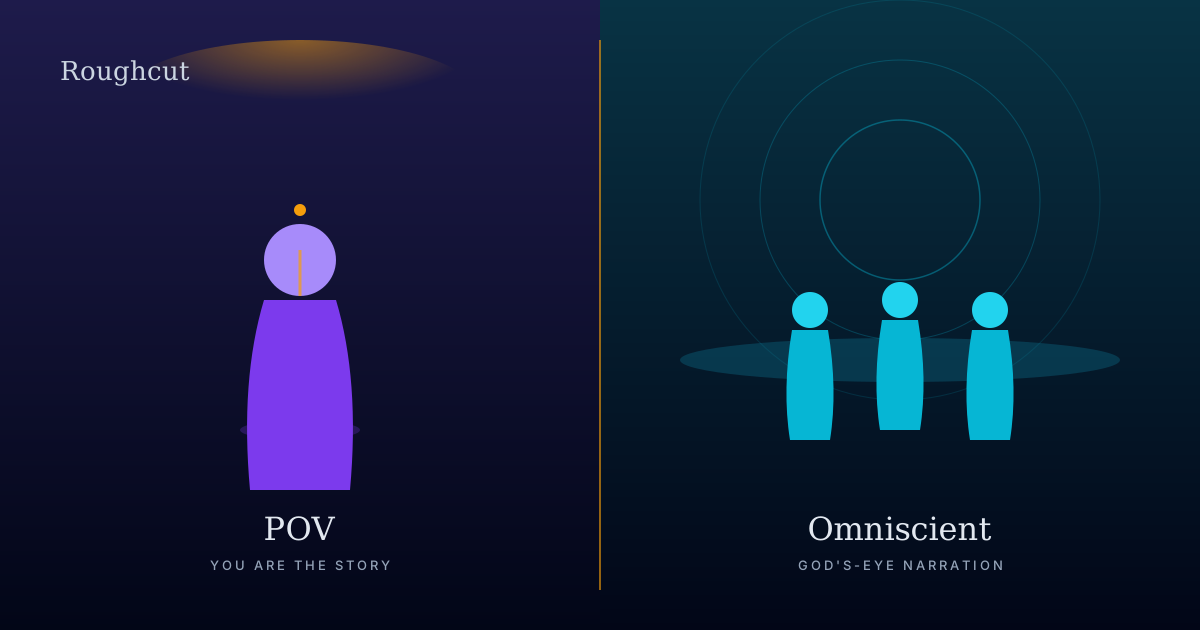
POV vs. omniscient narration: choosing the right narrator
The narrator you pick decides the video before the first frame is generated. A working framework for choosing POV, omniscient, or interviewer - with three worked examples.
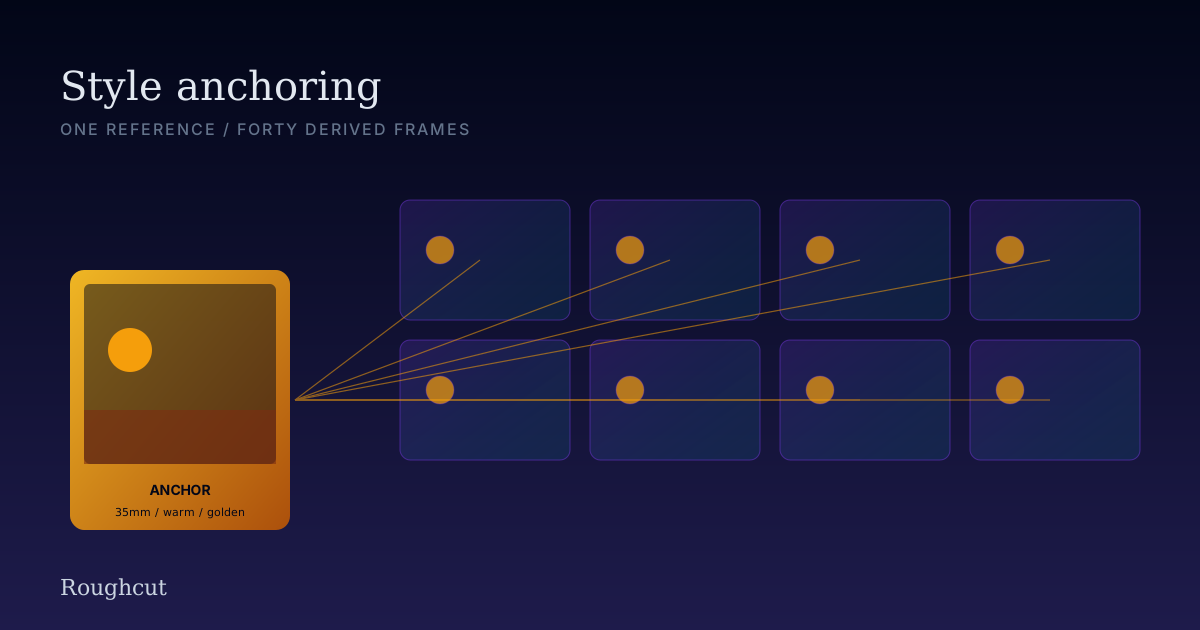
Style anchoring: how to keep 40 AI images consistent
A reference frame, a style suffix, and a discipline. The protocol we use to hold a single visual language across forty Gemini frames in a five-minute video.