Style anchoring: how to keep 40 AI images consistent
A reference frame, a style suffix, and a discipline. The protocol we use to hold a single visual language across forty Gemini frames in a five-minute video.
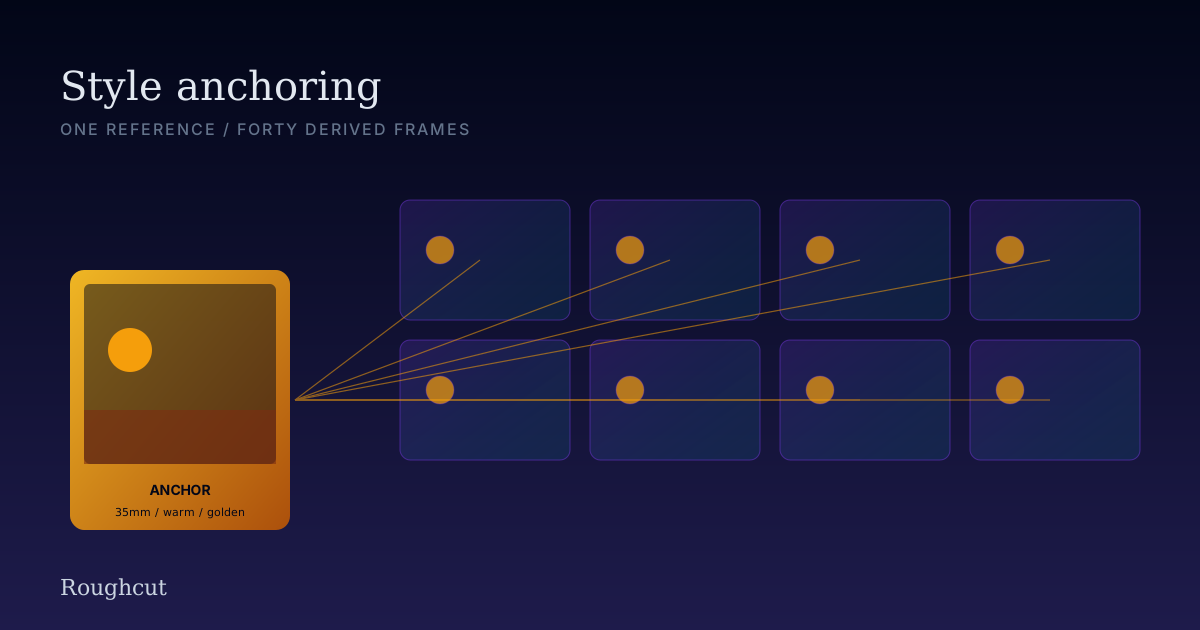
The single biggest reason AI videos look "AI" is not bad prompting. It is inconsistent prompting. Forty frames in a row, each one a slightly different palette, lens choice, or grain - the brain reads that as "machine" before it consciously notices why.
The fix is a protocol, not a better model. Here is the one we use.
The problem, illustrated
Generate 40 frames of "a coffee bean roasting" with 40 hand-written prompts and no shared discipline, and this is what you get:
- Frame 4: warm tungsten, golden hour, shallow depth of field
- Frame 5: neutral midday, deep focus, slight green cast
- Frame 6: overcast, blue-grey, hard-edged
- Frame 7: warm again, but now stylized, slightly illustrated
Each frame is fine. The set is a mess. Anchoring is what fixes this.
The protocol
Three things have to be true on every frame in the set:
- One reference frame is chosen first. This is the anchor. Everything else descends from it.
- A style suffix is extracted from the anchor and pasted verbatim onto every subsequent prompt. No edits, no improvements.
- The first ten or so frames use the anchor itself as a reference image (Gemini reference-image mode, or Midjourney's
--cref). After ten frames, the suffix alone is usually enough.
That's the whole protocol. The discipline is the hard part.
Picking the anchor
The anchor frame is the one that defines the visual language of the whole piece. Two rules:
Rule 1: It is a generated image, not a real photograph. A reference photo carries information the model cannot fully reproduce - exact film stock, exact bokeh shape, exact color science. Anchor on a generated frame that the model already knows how to produce.
Rule 2: It contains every element of the visual language you want. If your video needs warm earth tones, golden hour light, 35mm film grain, and shallow depth of field - the anchor must demonstrate all four. Anything missing from the anchor will drift in subsequent frames.
For the coffee video, our anchor was a macro shot of a wet coffee cherry being held in a calloused hand. It carried the palette (warm earth tones), the light (golden hour), the grain (35mm), the depth (shallow), and the texture register (close, tactile). Every following frame inherited from it.
Extracting the style suffix
Look at the anchor. Write down what makes it look the way it does, in 8–12 words. Use vocabulary the model understands - cinematography terms beat art terms, art terms beat poetic terms.
For the coffee video:
warm earth tones, 35mm film grain, golden hour light,
shallow depth of field, slightly desaturated highlights,
cinematic
That is the suffix. It is pasted verbatim onto the end of every prompt for the rest of the video. Do not edit it per-frame. Do not "improve" it. Do not let yourself add "8k, masterpiece, ultra-detailed" because you saw it in someone's prompt. Those four words add nothing and sometimes subtract.
A representative prompt from the Mill act (frame 19):
Coffee beans drying on a wooden raised bed under a midday sun,
single farmer's hand reaching in to turn the beans, beads of moisture
catching the light, surrounding hills out of focus in the distance,
warm earth tones, 35mm film grain, golden hour light, shallow depth
of field, slightly desaturated highlights, cinematic.
Subject specifics first. Style suffix at the end. Always.
Using the anchor as a reference image
For the first 10 frames after the anchor, we pass the anchor itself as a reference image (Gemini calls this "image input"; Midjourney calls it --cref). This forces the model to look at the anchor directly when planning the next frame, not just at the words describing it.
Two practical notes:
- Set the reference influence low (Gemini: 0.3–0.4; Midjourney:
--cw 50). Higher and the new frames start to clone the anchor instead of referencing it. Lower and the model ignores it. - Drop the reference after 10 frames. By that point the palette and grain are stabilised. The suffix alone is sufficient, and you save the per-frame cost of carrying the reference.
For the coffee video, frames 1–10 used the anchor as reference. Frames 11–40 used the suffix only. We checked the grade on frame 28 by eye against frame 8; the drift was imperceptible.
When characters or objects need to persist
If your video has a recurring character or object - same person across scenes, same product, same coffee cup - anchoring on a style suffix is not enough. You need a character anchor too.
Two options:
Option A - character reference image. Generate one clean frame of the character/object. Use it as a reference image (with the style suffix still applied) on every subsequent frame where it appears. Influence around 0.5–0.6 for characters, 0.7 for objects.
Option B - descriptive lock. Write a 6–8 word description of the character at the moment of generation, paste verbatim every time. ("A wiry middle-aged barista, salt-and-pepper buzz cut, faded black apron.") Weaker than Option A but works if you cannot pass references.
We used both on the coffee video. The barista in Act 5 carries a character reference image. The coffee bean itself uses a descriptive lock ("medium-roast bean, oil-glossed, dark brown with a single fissure"), since "the bean" appears in many forms across acts.
What drift looks like (and how to catch it)
The earlier you catch drift, the less you re-roll. Two visual checks we do mid-set:
The contact-sheet check. Every 10 frames, render a 4×4 contact sheet. Squint at it. If any frame jumps out as differently-colored, differently-grained, or differently-lit - kill it now.
The pair check. At frame 20 and frame 40, generate the exact same prompt twice, side by side. If the two come out visibly different from each other, your suffix isn't holding. Tighten the suffix or re-anchor.
The contact sheet for the coffee video caught one drift: frame 19 (the drying beans) came back at noon-blue cast instead of golden. We re-rolled with the original anchor passed as reference, and the second roll matched.
Mistakes that look like model failures (but aren't)
- Suffix bloat. Adding "8k, ultra-detailed, sharp focus, masterpiece, beautiful, professional photography" to your suffix. None of those words mean anything specific to the model. Some of them actively pull the result toward generic-stock-photo land.
- Per-frame style edits. "This frame should be moodier" so you change "golden hour" to "twilight." Now this frame doesn't match the others. If you really need a moodier frame, generate it inside the same anchor language but darken the subject, not the suffix.
- Switching models mid-set. Frame 1–20 on Gemini, frames 21–40 on Midjourney. The set will look like two videos. Pick one model and finish.
- Re-rolling without the reference. If frame 14 drifts and you re-roll without passing the anchor, you'll likely get a different drift. Always re-roll with the anchor for the first ten frames.
Cost note
Carrying the anchor as a reference image costs roughly the same as a normal generation on Gemini (Nano Banana). Dropping the reference after frame 10 saves nothing on cost, but does save a small amount of latency. The reason to drop it is creative - by frame 11 you want the rest of the set to depart from the anchor, not clone it.
What to read next
- Anatomy of a 5-minute AI narrative: "Your Life as One Coffee Bean" - see the anchor protocol applied across 40 frames.
- POV vs. omniscient narration: choosing the right narrator - narrator choice biases your image style, which biases your anchor.
- The 3-pass ffmpeg pipeline behind every VideoCue render - what happens to those 40 frames after generation.
Render 40 anchored frames against your own brand on the Free tier.
More from the field
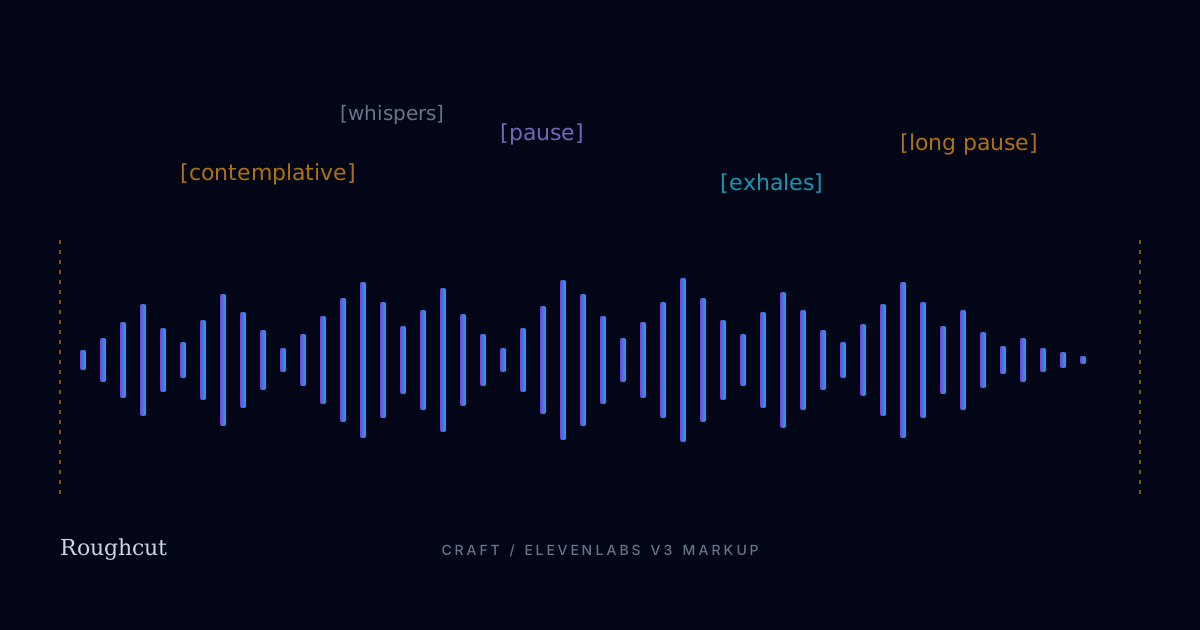
Writing for V3: ElevenLabs voice markup we actually use
A working set of V3 audio tags, pacing rules, and chunking strategies - pulled from the coffee video script. The conventions that survive contact with real production.
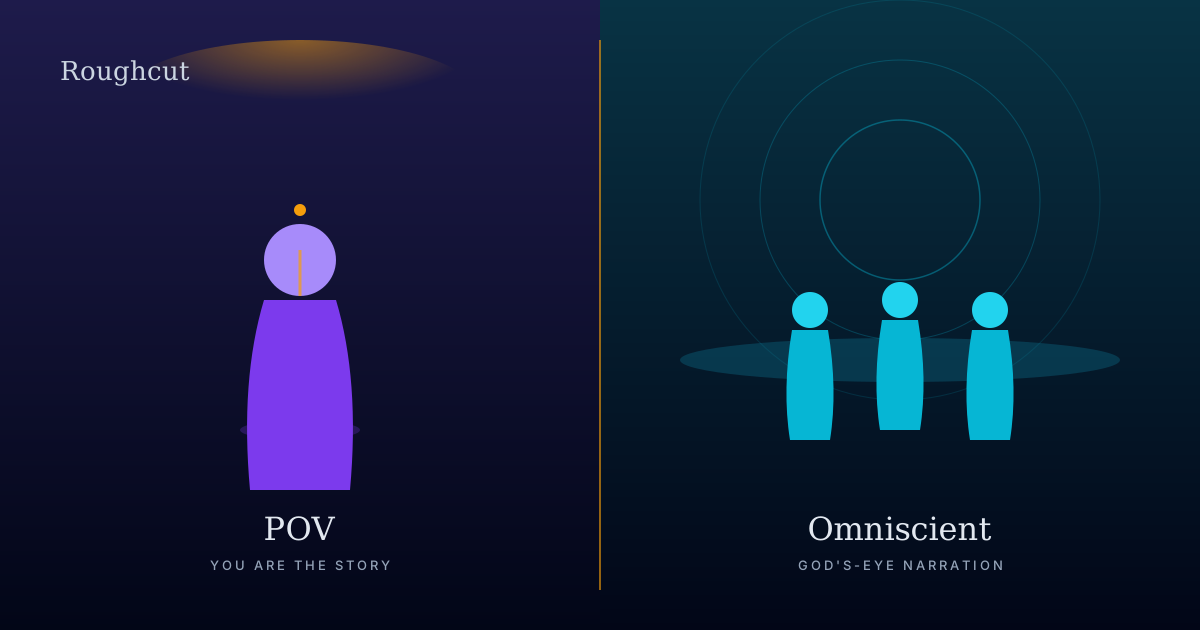
POV vs. omniscient narration: choosing the right narrator
The narrator you pick decides the video before the first frame is generated. A working framework for choosing POV, omniscient, or interviewer - with three worked examples.