FAMILYMIXED MEDIA & HYBRIDSUBFAMILYMOTION GRAPHICS OVERLAYERACONTEMPORARYREGIONINTERNATIONAL

Infographic Callouts on Live

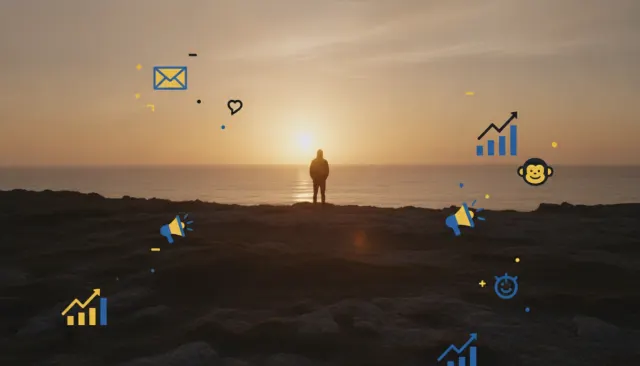
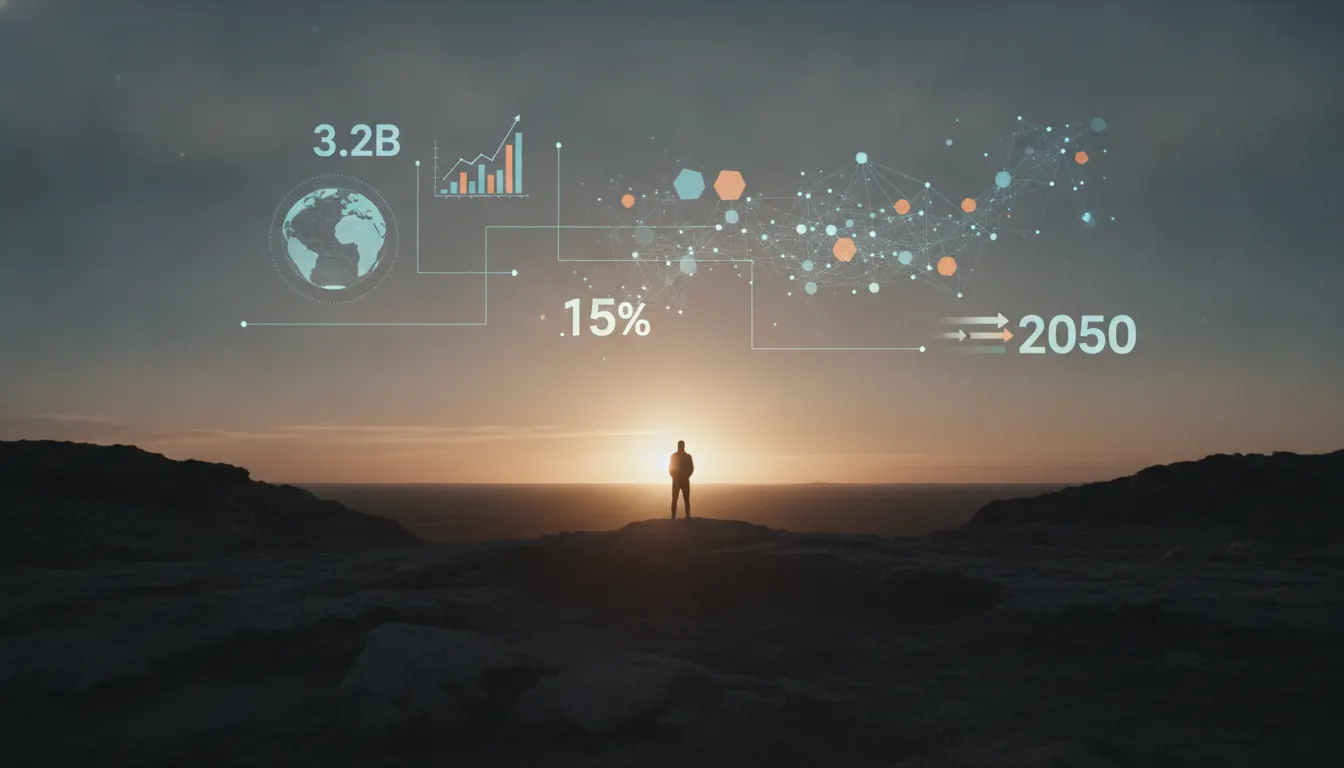
Infographic callouts animated over live-action footage. Number stats, arrows, data lines drawn on top of real video, Vox explainer aesthetic, Bloomberg-style chart overlays.

infographiccalloutsexplainerdata-overlay

Samples

Samples pending

Visual reference frames for this look are being generated.

When to use
  • Educational and science communication content explaining physical or natural phenomena
  • Documentary journalism annotating maps, statistics, or historical footage with data context
  • Product demonstration videos pointing out specific features on real hardware
  • Sports analysis content with play-diagram overlays on game footage
  • Corporate and marketing explainer content for technical products or services
  • Cooking and DIY tutorials where measurement callouts and process labels assist understanding
  • Financial or business data journalism combining interview footage with animated chart overlays
When not to use
  • Cinematic narrative content where annotation destroys story immersion
  • Emotional or grief-centered documentary where clinical infographic overlay feels inappropriate
  • Luxury brand content where functional annotation undermines aspirational aesthetics
  • Abstract or experimental video art
  • Content where live footage quality is too low for annotation to meaningfully improve comprehension

Signature techniques

  • 01
    Tracked callout arrows โ€” annotation lines with arrowheads following tracked points in moving footage
  • 02
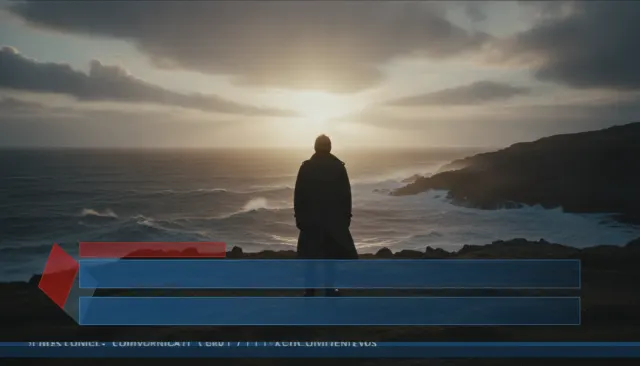
    Lower โ€” third data bars with percentage or quantity fill animations appearing below subjects
  • 03
    Zoom โ€” into-callout: digital zoom to a live footage detail accompanied by an annotation label at enlarged scale
  • 04
    Measurement overlay grids โ€” scale rulers, measurement lines, and unit annotations over real-world objects
  • 05
    Animated line charts growing into frame as the presenter references statistics
  • 06
    Highlight and mask โ€” areas outside the annotated subject dimmed to direct viewer attention
  • 07
    Slow โ€” motion replay markers: frame counters and moment markers on high-speed footage
  • 08
    Icon callouts โ€” flat design icons used as visual shorthand hovering above live footage subjects

History & context

Infographic Callouts on Live Footage

Infographic callouts on live footage embed the visual language of data visualization and editorial infographics - arrows, labels, charts, icons, annotations - directly into filmed reality. Rather than creating a separate explainer animation, this technique treats the real-world footage as the substrate for information design, creating a sense that the annotation is revealing hidden data within the filmed world.

The Explainer Video Tradition

The genre traces its contemporary form to TED's adoption of whiteboard and kinetic infographic presentation styles in the mid-2000s. TED speakers began using Prezi and Keynote presentations that mixed photography with animated diagram overlays, establishing the expectation that complex ideas could be explained visually on top of real-world reference. TED-Ed (launched 2011) formalized this as an animation genre, with illustrated and hybrid explainer videos reaching hundreds of millions of views.

Vox Media's editorial video team (particularly the 'Vox Borders' and 'Explained' series, 2015+) pushed the technique into premium journalism: reporters appeared on screen with data graphics, maps with animated borders, and historical photograph overlays with annotated callouts. This format created the 'annotated journalism' aesthetic that many creators and news organizations now emulate.

Kurzgesagt - In a Nutshell (Munich, founded 2013) developed a parallel aesthetic: animated flat-design characters and infographic environments with voice-over, without live footage. But their color palettes, icon design language, and data visualization approaches strongly influenced how creators merge infographic aesthetics with live footage.

Science Communication and YouTube Education

YouTube's science communication explosion (Vsauce 2010+, Veritasium 2011+, SmarterEveryDay 2007+, Mark Rober 2011+) established the hybrid talking-head-plus-overlay-graphics format as the dominant science communication mode. In this format, the presenter is filmed live while animated annotations - slow-motion replay markers, measurement callouts, force vectors, statistical data bars - overlay the real-world footage. The callout arrow pointing from an annotation box to a specific point in the live footage is the genre's most recognizable element.

When to Use

  • Educational and science communication content explaining physical or natural phenomena
  • Documentary journalism annotating maps, statistics, or historical footage
  • Product demonstration videos pointing out features on real hardware
  • Sports analysis content with play-diagram overlays on game footage
  • Corporate and marketing explainer content for technical products or services
  • Cooking and DIY tutorials where measurement callouts and process labels assist understanding
  • Financial or business data journalism combining interview footage with chart overlays

When Not to Use

  • Cinematic narrative content where annotation destroys story immersion
  • Emotional or grief-centered documentary where clinical infographic overlay feels inappropriate
  • Luxury brand content where functional annotation undermines aspirational aesthetics
  • Abstract or experimental video art
  • Content where live footage quality is too low for annotation to improve comprehension

Signature Techniques

  • Tracked callout arrows: annotation lines with arrowheads that follow tracked points in moving footage
  • Lower-third data bars: horizontal bars with percentage or quantity fill animations appearing below subjects
  • Zoom-into-callout: digital zoom to a live footage detail accompanied by an annotation label at scale
  • Measurement overlay grids: scale rulers, measurement lines, and unit annotations placed over real-world objects
  • Animated line charts: data charts that grow into frame as the presenter references statistics
  • Highlight and mask: areas of footage outside the annotated subject dimmed or desaturated to direct attention
  • Slow-motion replay markers: frame counters, moment markers, and replay indicators on high-speed footage
  • Icon callouts: flat design icons (from icon libraries or custom sets) used as visual shorthand above live subjects

Notable Works

  • Vox Explainer video series (2015+) - defining annotated journalism format
  • Vox Borders series (host Johnny Harris, 2017-2020) - map and annotation over live travel footage
  • TED-Ed animated explainer series (2011+) - foundational educational animation genre
  • Kurzgesagt - In a Nutshell YouTube channel (Munich, 2013+) - infographic language reference
  • Veritasium, slow-motion and data overlay science videos (2011+)
  • Mark Rober engineering videos with measurement callouts (2011+)
  • ESPN Sport Science segments (2009-2016) - biomechanical callouts over athlete footage
  • John Underkoffler, Minority Report UI design (2002) - cinematic precursor to floating annotation

Related Look Slugs

  • motion-graphic-animated-icons-on-video
  • lower-third-broadcast-graphics-classic
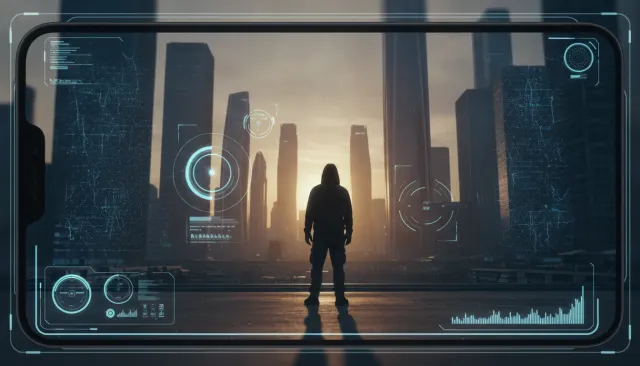
  • ar-augmented-reality-overlay-aesthetic
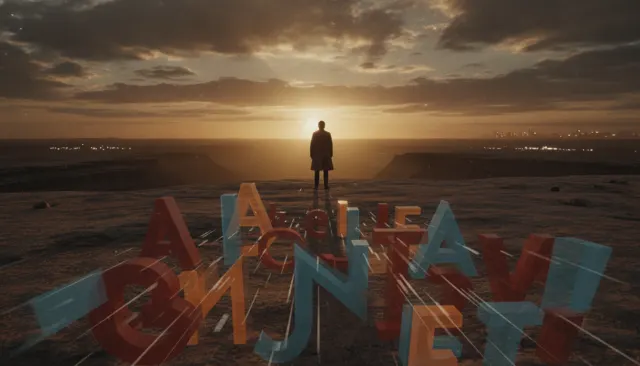
  • kinetic-typography-on-talking-head
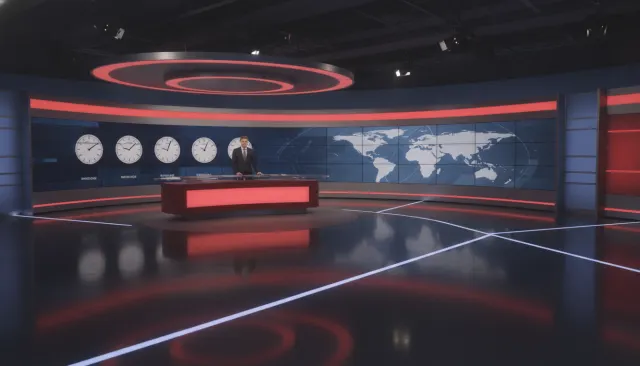
  • bbc-news-modern
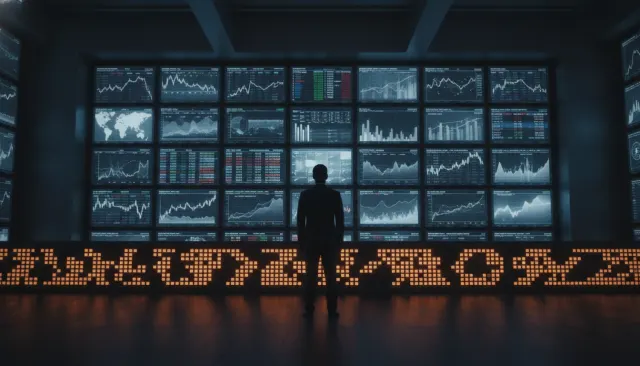
  • bloomberg-financial-terminal

Notable works

Vox Explainer video series (2015+)

defining annotated journalism format

Vox Borders (host Johnny Harris, 2017-2020)

map and annotation over live travel footage

TED-Ed animated explainer series (2011+)

foundational educational annotation genre

Kurzgesagt

In a Nutshell YouTube channel (Munich, 2013+) - infographic visual language reference

Veritasium, slow-motion and data overlay science videos (2011+)

Mark Rober engineering demonstration videos with measurement callouts (2011+)

ESPN Sport Science segments (2009-2016)

biomechanical callouts over athlete footage

John Underkoffler, Minority Report gestural UI design

(2002)

cinematic floating-annotation precursor

Aesthetic recipe

The exact knobs the renderer turns to produce this look.

Palette
Primary
#1A2A4A
Secondary
#F2EADB
Accent
#F5C144
Text/Light
#0A1424
Text/Dark
#FFF5DA
BG 900
#08101A
BG 800
#0F1F3A
Typography
Display
Inter
Body
Inter
Mono
JetBrains Mono
Music moods
vox-explainer-bedsnappy-percussion-loop
Transition

soft cuts at 180ms, ease-in-out

Ken Burns

Slow push (0.025, center)

Grade LUT

infographic-explainer-pop

Generate a video in the Infographic Callouts on Live look

Infographic callouts animated over live-action footage. Number stats, arrows, data lines drawn on top of real video, Vox explainer aesthetic, Bloomberg-style chart overlays.