iOS 7 redesign under Jony Ive
Apple (September 2013)
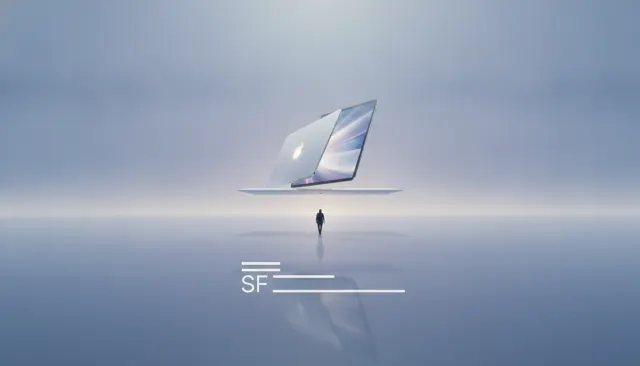
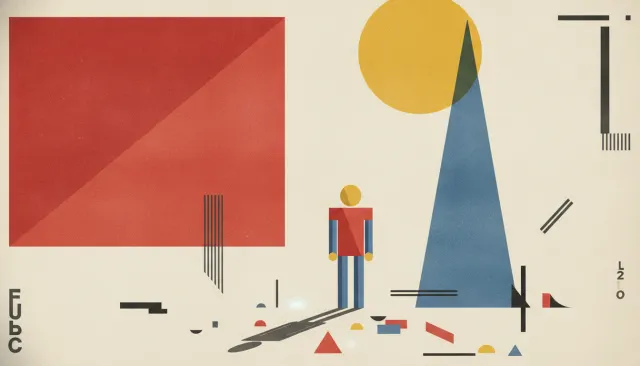
Flat Design 2.0. Post-iOS 7 minimalism, no shadows, bold color blocks, geometric vector icons, generous white space, sans-serif everything.
The moves a human crew would use to get here. Cue applies them for you, and knowing their names is how you ask for a change.
serif typography (Roboto, San Francisco, or similar system fonts)
saturation primary and secondary color palettes (Material Design color values)
based content layout
color illustration and icon work with no gradients
1-2px stroke weight geometric icons without fills
Flat design 2.0 - or simply 'flat design' in the period's own terminology - was the dominant visual language of digital interface design from roughly 2013 to 2019. It displaced the skeuomorphic aesthetic that had characterized Apple's iOS and much of the web design of the 2000s, replacing simulated leather textures, embossed buttons, and drop shadows with solid color fills, crisp edges, and the illusion that interfaces existed on a perfectly flat, infinitely thin plane.
When Jony Ive took over software design responsibilities at Apple following Scott Forstall's departure in 2012, his redesign of iOS 7 (released September 2013) was the cultural turning point. The old iOS had featured green-felt Game Center tables, leather-bound calendars, and bookshelf backgrounds in iBooks - a tradition of making digital objects resemble physical objects to help users understand their metaphorical function. Ive's iOS 7 replaced all of this with translucent panels, thin system typefaces, and flat colored icons with no simulated depth.
The response was immediate and divisive. A generation of designers who had built careers executing detailed skeuomorphic assets were suddenly producing obsolete work. A new generation who had come from graphic design backgrounds, where flat color was standard, found their sensibility suddenly in demand.
Google's Material Design specification, announced at Google I/O in June 2014, was the systematic codification of flat design into a complete design language. Creative director Matías Duarte developed a system that used the metaphor of paper and ink: surfaces were layers of paper that cast subtle shadows to indicate elevation, transitions simulated physical paper movement, and color was deployed from a curated palette of named swatches.
Material Design introduced the floating action button (FAB) - a circular button floating over content, the defining interface element of the era - and a color system based on primary-secondary-accent relationships. The specification was implemented across all Google products and adopted by millions of Android app developers, making it the most deployed design system in history at the time.
Beyond the technical specifics of iOS 7 and Material Design, flat design produced a recognizable visual culture: bold, single-color icon sets (no gradients), sans-serif typography at heavy weights, bright and saturated color palettes derived from the Material and iOS color systems, and a general preference for simplicity of form over richness of detail.
Apple (September 2013)
Matías Duarte (June 2014)
Microsoft (2012, predating iOS 7)
2014
DesignStudio
A Look is not a filter. It is a set of stored decisions the pipeline reads before it makes a single frame, so two videos in the same Look actually match.