Your table remembers it.
Nobody else has seen it.
Type up the arc, a faction's history or one character's backstory, and get a lore video out of it. Pick the world's look once and every shot is rendered through it, so the keep in shot two is still the keep in shot nine.

- You bring
- A written brief
- You get
- One world, not three pictures
- Runs
- 45 seconds to 7 minutes
This is for you if
You have been running the same homebrew world for months. Your players can describe the gate of the ruined keep from memory, and there is not one picture of it anywhere.
What it will not do
It does not know your world. Everything on screen comes out of the brief you typed, so a place you did not describe gets invented, and it will not match the map you drew unless you describe the map. There is also no way to hand it a file: the sources are typed or pasted text and a URL, so a 90 page campaign document has to be cut down to the two thousand words a video can actually hold. That editing is real work and it is yours.
You bring one thing.
You get the rest.
A written brief
Type or paste it: the session recap, the faction history, the backstory you wrote for someone's cleric. If your world already lives on a wiki page you keep, give us that URL instead. A few hundred words is plenty, and the more specific your place names and details are, the less gets invented around them.
One world, not three pictures
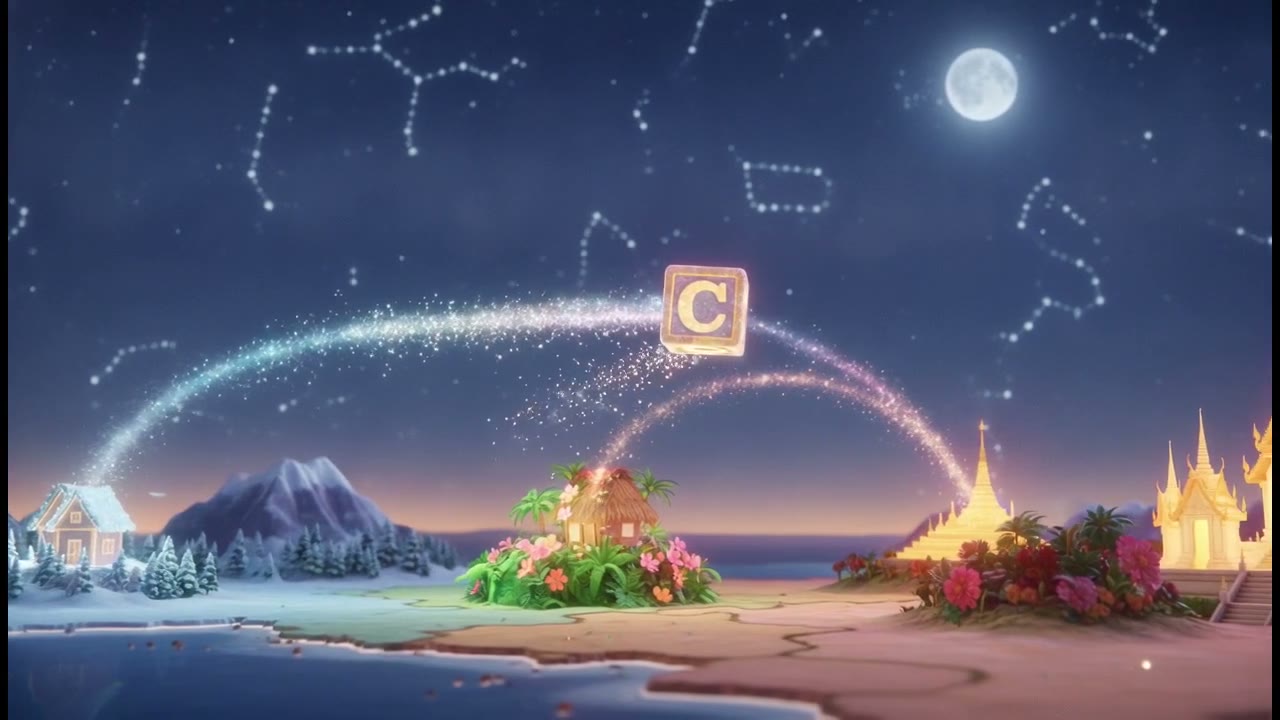
The look is chosen once and every scene is rendered through it, so the shots read as one place rather than three unrelated fantasy paintings. Your recurring figures are cast from saved characters, so the party in this video is the party in the next one.


5 steps,
and you can stop
at any of them.
Nothing renders until you have read the script and looked at the shots. If it is going wrong you find out before you have paid for it.
- 01
Write the brief
Paste in the notes you already have. Name the place, the season, who is in the room and what is at stake. Specific detail is what stops it filling the gaps with generic fantasy.
- 02
Pick the world's look
Painterly soulslike and cinematic RPG sit in the 75 Game Aesthetics looks. Frazetta and Vallejo oil painting are in Illustration and Editorial. Berserk ink detail is in Anime and Manga. You pick one and it holds across every shot in the video.
- 03
Cast the recurring figures
Build a Character for each one: the party, the villain, the patron who keeps turning up. They are saved, so the next video casts them again instead of describing them from scratch.
- 04
Check the scene split first
You see how the brief was broken into scenes before anything renders, and you can send one back with a note on what to change. Fixing scene four is cheaper than re-rendering the video.
- 05
Render it
Narration, captions and a score composed for this video rather than picked off a library shelf. Wide for the screen at the table, vertical for a phone.
The whole look catalogue and unlimited saved characters are on Creator. A seven minute video costs more to render than a 45 second one because there are more shots in it, not because of a tier.
See what that is →The ones
people ask.
- 01
Can I give it my campaign notes as a file?
No. You paste the text in, or you point it at a URL if your world already lives on a wiki. In practice that limit does you a favour: 90 pages is not a video, and choosing which two thousand words are is the decision that makes the video good or forgettable.
- 02
Will my party look the same from video to video?
Within one video, yes, because every scene is drawn from the same saved character description and reference images. Across videos made months apart expect small drift; a fuller reference sheet is what narrows it.
- 03
Is it going to look like generic fantasy art?
Only if you pick a generic look. The fantasy ones here are specific: Frazetta oil, Vallejo heroic, Berserk ink, painterly soulslike, cinematic RPG. Choosing one and staying inside it across a whole series is the thing that makes ten videos read as one world.
- 04
Can it draw my battle map or the dungeon layout?
No. This makes cinematic scenes, not maps. A corridor can be a shot looking down a corridor. It cannot be a grid with squares on it, and nothing here is a map tool.
- 05
Can I use my own names, factions and places?
Yes, and you should. Names, factions, the history you invented and the way your players say things all go in the brief and come back in the narration. That is most of what makes it yours rather than stock.
- 06
What about a published setting?
Anything you wrote is yours. Material from a published setting belongs to its publisher, and whether a video leaning on their names and their imagery is fine is their call to make, not ours to grant. Homebrew is the safe ground, and it is usually the better video anyway.