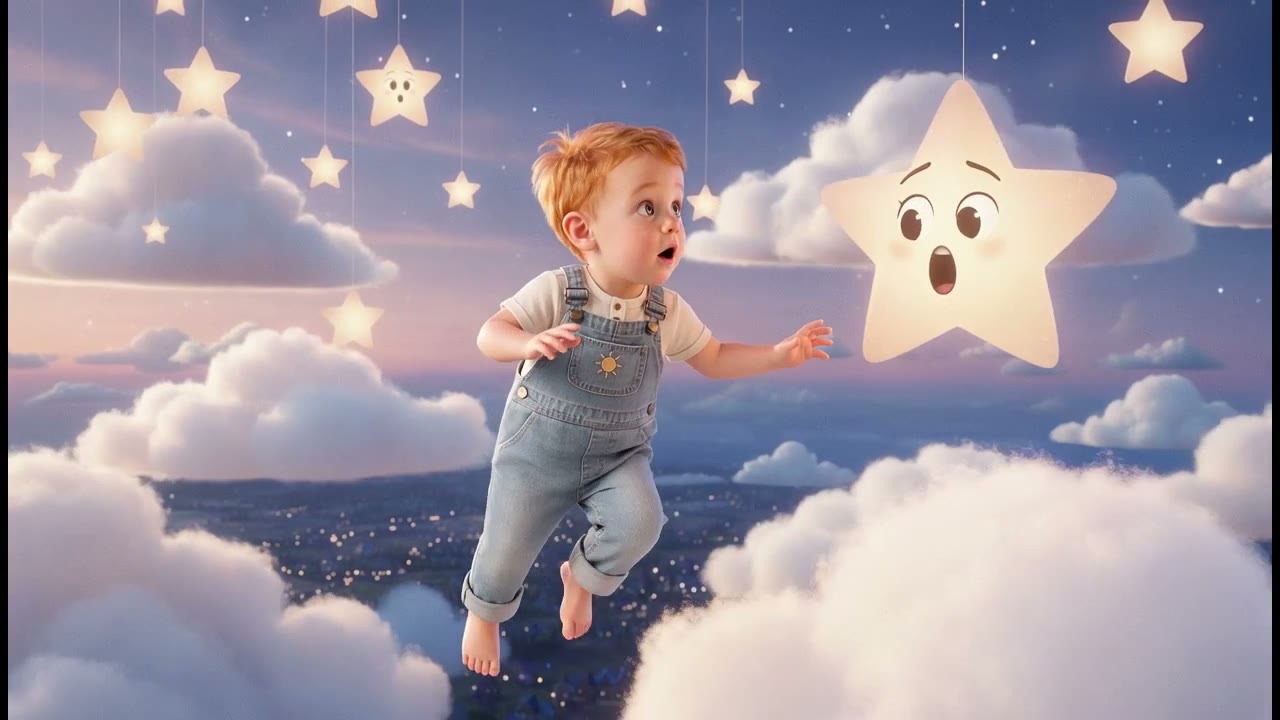
Build the face once.
Stop redrawing it.
Describe a character once, add a few reference photographs, and every still and every clip is generated from that same person. Then the face is scored against the reference and the shots that drifted are made again before you are asked to look at them.

- You bring
- A character, once
- You get
- The same person, every shot
- Runs
- Built once, reused in every video
This is for you if
You are on episode four, your lead has had three different faces, and you can tell. So can everyone watching, which is the part that actually costs you.
What it will not do
The check is a face check, so it scores human characters and nothing else. A pet, a creature or a mascot gets the prompt lock and no score, because a face embedder has no opinion about a fox. And the budget is one regeneration per still and one per clip by default: past that the shot is kept and marked rather than fixed, because a clip retry is a whole video generation and it is your money. Consistency is very good. It is not a guarantee.
You bring one thing.
You get the rest.
A character, once
A name, how they look, what they wear, where they usually are, and a voice. Then a few photographs of the face you want. The photographs are the part that does the work: a small mole under the left eye survives a change of medium in a way that a sentence describing one does not.
The same person, every shot
Character and Look are deliberately separate. The character is who they are; the look is the world they are drawn in. Change the look and the same person walks into a different film, which is the thing that lets one cast carry a channel rather than one video.


5 steps,
and you can stop
at any of them.
Nothing renders until you have read the script and looked at the shots. If it is going wrong you find out before you have paid for it.
- 01
Describe them once
Name, appearance, wardrobe, the setting they are usually in, and a voice. It saves to your library, so the next video opens with them already in the cast instead of with a blank box.
- 02
Give it real references
Add photographs of the face. From those we render a canonical three-frame sheet, front, side and full body, and that sheet is what later shots are generated against rather than the raw pile of photos.
- 03
Cast them
Set them as a channel's lead and every new video in that channel starts with them cast. Or choose per video, when the channel has more than one recurring face.
- 04
The face gets checked
Every generated still, and a frame out of every motion clip, is scored against the reference. Below the line it is thrown away and generated again. You see the result of that, not the failure.
- 05
Change the world, keep the person
Same character, different look. Documentary photography this week, hand-drawn animation the next, and the same face in both.
Free saves one character, Creator three, Studio ten, Portfolio as many as you want. References, the reference sheet and the face check come with all of them.
See what that is →The ones
people ask.
- 01
How many reference photographs does it need?
One helps. The sheet gets noticeably better somewhere around five or six varied shots: different angles, different light, same person. Photographs where the face is small or half in shadow are worse than no photograph at all.
- 02
What happens when a shot comes out looking like someone else?
It is scored against the reference before you see it, on face similarity, and anything under the line is discarded and generated again. If the retry also fails, the shot is kept and flagged so you know which one to look at, rather than quietly shipped.
- 03
Can the character be me?
Yes, and there is a consent step for exactly that: you tick that the references are of you or that you hold the rights, before anything is generated from them. Set a cloned voice on the character and it narrates in your voice as well.
- 04
Does the face hold in motion clips, or only in stills?
Both, by different means. The still is generated with a hard identity lock, and the clip is then generated from that still, so the picture is what anchors the motion. Clip frames are scored the same way, with their own separate retry budget, because a clip retry costs far more than a still retry.
- 05
Can I give it a video of the person instead of photographs?
Reference photographs are the path, and they are enough. A video is not one of the ways a project starts here: you begin from a link, a written brief, or a song, and the character comes from the library rather than from the source.
- 06
How is the likeness actually carried?
By a saved description plus your reference images, handed to the generator on every shot rather than resolved once and forgotten. That is why a fuller reference sheet does more for consistency than any setting: the sheet is the thing the generator is working from every single time.