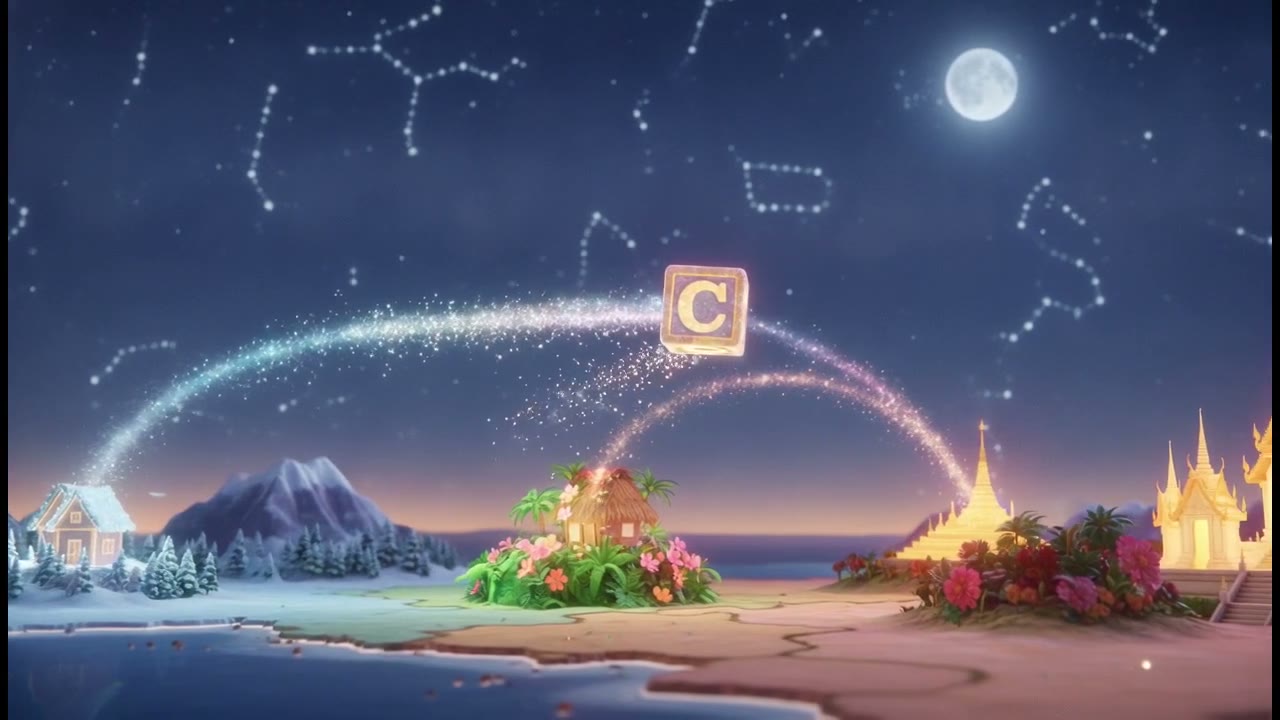
Your book has a launch date.
Here is the trailer.
Paste the synopsis you already wrote and it becomes a 45 second trailer: one held image, the world in two shots, a montage that accelerates, a reveal that promises the payoff without showing it, and the date. Nothing is filmed, because every frame is drawn in the look you pick.

- You bring
- Your synopsis
- You get
- A 45 second trailer
- Runs
- 45 seconds
This is for you if
Your book is out next month, you have a synopsis and a cover, and every trailer quote you have been given costs more than the print run.
What it will not do
Your cover cannot be a scene. There is no way to hand over the jacket, an interior illustration or the author photo as footage: every frame is generated from the words you typed. A cover image can be uploaded as the channel logo, which puts it on the opening and closing cards, and that is the only place your own artwork appears. The other gap is mid-video text. The opening card, the closing card and the captions are drawn, plus a small chapter chip in the corner, but the full-frame title cards this format was written around are not composited any more, so anything that must be read goes on the end card.
You bring one thing.
You get the rest.
Your synopsis
The paragraphs you already wrote for the back cover, typed or pasted into the brief. Or give the URL of the book's page and we read that instead. Say who the protagonist is, where it is set, and what the reader is not supposed to see coming.
A 45 second trailer
The trailer format carries its own five beats, its own accelerating pace, and a narrator direction that is sparse and dropped behind the music, because most of a trailer is silence and image. Wide for a store page or vertical for a phone, chosen before it renders.


5 steps,
and you can stop
at any of them.
Nothing renders until you have read the script and looked at the shots. If it is going wrong you find out before you have paid for it.
- 01
Paste the synopsis
Pick From a topic or brief in the video chooser and type or paste it. Nothing is uploaded, nothing is scraped unless you hand over a URL, and nothing is filmed.
- 02
Choose the trailer format
Trailer and sizzle, 45 seconds. Hook, world, escalation, reveal, date. The format sets how long each beat runs rather than splitting the 45 seconds evenly: 3 seconds on the opening image, 20 on the montage, 5 on the date.
- 03
Pick the look
This is where a book trailer stops looking like stock footage. A modernist paperback cover, a Frazetta oil painting, an IMAX anamorphic frame, monumental Villeneuve scale, or the flat cold dread of folk horror.
- 04
Read the scenes before they are made
You see the shot list first. If the protagonist is wrong in scene three, you ask for the change in words and see the diff before it is applied.
- 05
Render, with the date on the end card
Turn on the closing card and write the line yourself: out 14 March, pre-order at your shop. Your cover goes on as the channel logo, and the score is composed for this trailer rather than picked off a library.
Creator is where the render comes back at up to 1080p with no watermark on it, which matters when the file is going on a publisher's page. One trailer is one render out of the 30 a month.
See what that is →The ones
people ask.
- 01
Can I put my actual cover in it?
Not as a scene. Upload it as the channel logo and it appears on the opening and closing cards, which is the only place a picture of yours can land. The scenes themselves are generated from your synopsis, so a trailer that is mostly a slow pan across the jacket is not what this makes.
- 02
How do I get the release date on screen?
On the closing card. It takes a line you write per video, so "Out 14 March" or a pre-order link goes there and reads cleanly. Do not expect a date to be legible inside a generated frame: image models render lettering badly, which is why the text lives on cards and captions instead.
- 03
Will it look like every other AI book trailer?
That depends entirely on the look you pick, and it is the reason to bother. The tools ranking for this query cut stock footage and drop a font on it. Pick a modernist paperback cover treatment, or a painted fantasy oil, or folk horror, and the trailer looks like your book rather than like a slideshow of somebody else's photographs.
- 04
Can my protagonist be in it?
Build a Character once, describe the face and the wardrobe or give a few reference images, and cast it. They hold across the shots of one trailer. There is no lip sync, so nobody speaks on camera, which suits a trailer where the narrator is a voice over image anyway.
- 05
What if I write fiction with no visual world at all?
A trailer for a quiet literary novel is a harder brief than a fantasy epic, and the honest answer is that you will lean on place, object and weather rather than on incident. The format helps: it is built to withhold, and four of its five beats are atmosphere.
- 06
Can I make one for a book that is already out?
Yes, and the same 45 seconds works for a paperback release, an audiobook or a series relaunch. The closing card is a line of text you rewrite per video, so one trailer becomes several without touching the scenes.