The 2-Shot Rule: How to Save a Thin Interview Edit When You Can’t Reshoot
If you cut a single-camera interview and realize you only have one real shot, don’t try to hide the problem with random cutaways. Triage it. This guide shows how to decide what must stay on the speaker’s face, what can move under supporting visuals, what to bridge with audio, and what to cut completely when your interview B-roll coverage is too thin.
By VideoCue · Created with AI assistance and automated editorial checks.
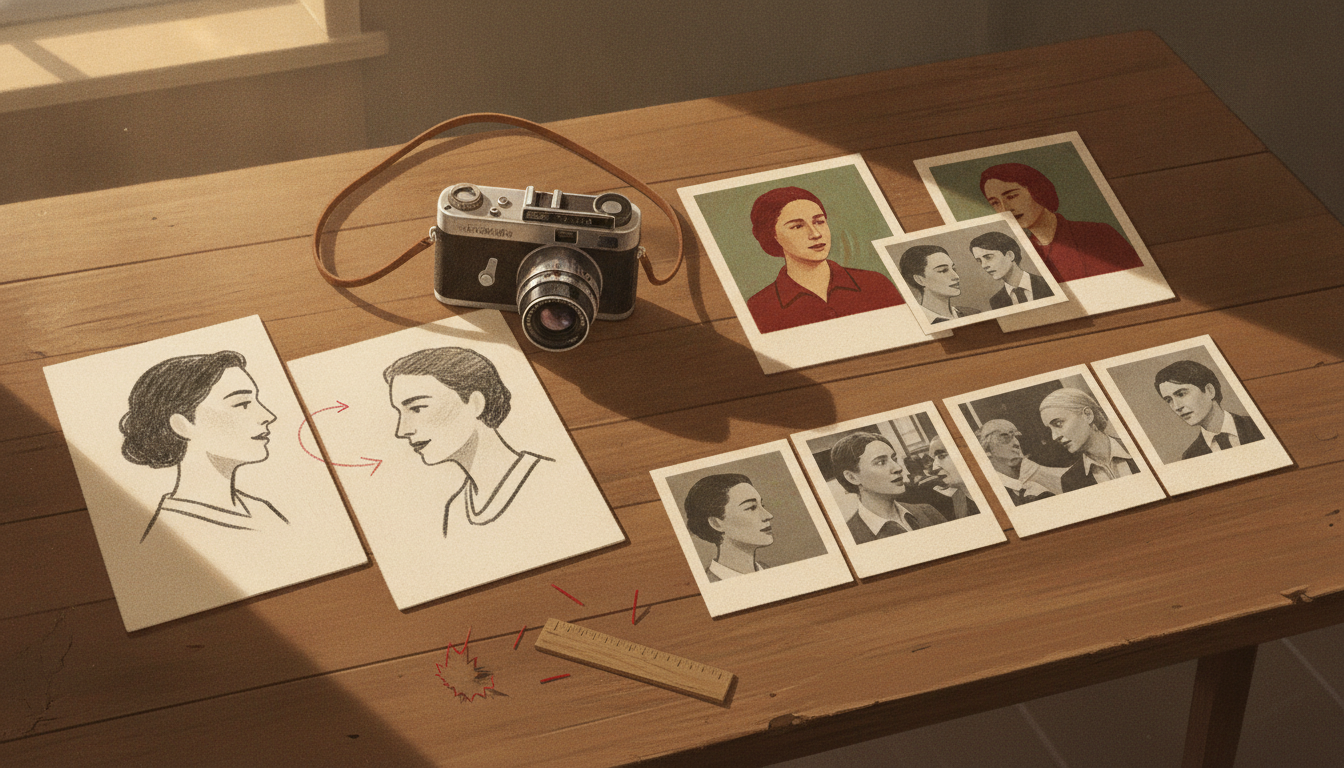
When an interview feels dead in the edit, the problem usually is not that you forgot a few pretty inserts. It is that every trim is now visible.
With only one usable angle, every pause, restart, and sentence surgery turns into a jump cut. That is when a lot of creators start asking the wrong question: How do I cover everything?
The better question is: Which parts actually need to stay on the face?
That is the heart of the 2-shot rule. Not two literal shots, and definitely not a claim that two shots are ideal. It is a rescue mindset for thin interview b-roll coverage: build two visual states that each do a clear job.
- State 1: the face — where emotion, credibility, and testimony live
- State 2: support — any usable visual that can carry the audio for a few seconds without weakening the meaning
B-roll is commonly described as supporting footage used with the main footage, while A-roll is the primary footage carrying the main narrative or interview. Both Captions’ overview of A-roll and B-roll and TechSmith’s explanation of B-roll support that basic distinction. Those sources also support the practical editing use most creators care about here: supporting footage can add context and help hide visible cuts in interview-led edits.
This tutorial is about the moment after the mistake, not before it. You already shot the interview. You cannot go back. Now you need a fast way to decide what stays, what gets covered, and what dies.
We’ll use a fictional example throughout. Maya runs a small documentary channel and interviews a bakery owner about recovering from bankruptcy. Back at her desk, she realizes she has only:
- a medium shot of the founder speaking
- a shaky phone wide of the bakery interior
- her own questions, recorded off camera on a lav mic
That is not enough for a polished documentary sequence. But it can still be enough for a strong one.
If you want to prevent this on the next shoot, a simple planning pass in VideoCue’s Shot List Planner or Storyboard Builder helps. But first, let’s rescue the timeline you already have.
The 2-shot rule is really a sorting rule
Most weak interview edits treat every sentence as if it deserves the same visual treatment. It does not.
Some lines need the audience to watch the speaker say them. Others become clearer when you show the world being described. Others are not worth saving at all.
A practical way to sort them:
- Face lines: emotional admissions, vulnerable turns, key trust-building statements
- Coverable lines: process, chronology, place, routine, factual explanation
- Bridge lines: transitions that can be smoothed with question audio, room tone, or an audio lead/lag
- Dead lines: repetition, throat-clearing, detours, weak setup, nearly identical restatements
This is where the rescue starts. Not with B-roll selection. With editorial rank.
If the founder says, “I thought we were going to lose the bakery,” that usually belongs on the face. Expression is part of the meaning.
If she says, “We cut our opening hours, delayed supplier payments, and stopped ordering extras,” that is often easier to absorb under supporting visuals because the line is informational.
And if she spends 18 seconds circling the same idea before finally landing on one clean sentence, you may only need the clean sentence.
That approach fits the most defensible claims the supplied sources support: B-roll adds context, visual variety, and cover for edits, but it works best when it is tied to what the audience is hearing rather than dropped in as decoration. See Captions on why B-roll matters and TechSmith on what B-roll is used for.
Start with audio triage, not visual camouflage
If your coverage is thin, shape the scene in this order:
- cut the interview for meaning
- mark the ugly visual seams
- assign support footage only where it helps
That order matters. If you start laying in bakery shots before tightening the answer, you can end up preserving weak speech just because the sequence looks busier.
Busy is not better. Clear is better.
Maya transcribes the interview and makes a first-pass log with three tags: emotional, explanatory, and messy.
- 00:45–01:12 — “The week before filing, I kept pretending we were fine.” → emotional
- 01:13–01:38 — supplier bills, slower foot traffic, shorter hours → explanatory
- 01:39–02:05 — long rambling section about pride and avoiding the staff → messy, with one strong sentence inside it
- 02:06–02:22 — “The first morning we reopened, I didn’t know if anyone would come.” → emotional
- 02:23–02:49 — operational changes after reopening → explanatory
Then she asks four questions of every segment:
- Does the viewer need the face to feel this line?
- Would the line become clearer if we saw the place, object, or action instead?
- If I trim this, will the jump cut be too visible to leave uncovered?
- If this line vanished, would the story actually get worse?
That fourth question matters more than people think. Thin coverage often exposes a deeper problem: you kept too much mediocre speech.
What you can fix now vs what you must capture next time
Here is the quickest way to separate rescue decisions from future-shoot habits.
| Situation | What you can do in post now | What you must capture next time |
|---|---|---|
| Only one interview angle | Keep key emotional lines on the face; cover trims with relevant cutaways | Shoot at least one alternate visual state: a second angle or a planned support package |
| No clean cutaways for factual lines | Use short, honest environmental or process visuals if available | Capture establishing, detail, and process shots tied to expected talking points |
| Jump cuts after removing filler | Hide only the worst seams with B-roll or audio bridges | Leave time for coverage so you are not relying on one frame for the whole answer |
| Off-camera questions sound usable | Use them as short bridges or to motivate a visual change | Record questions consistently and capture room tone for smoother blending |
| Shaky phone footage | Use it briefly for orientation if it still reads clearly | Stabilize your shooting setup or reshoot a clean wide while you are on location |
| A line needs proof you didn’t film | Cut it, soften it, or keep it on the face without fake illustration | Capture the real action, object, or place the line depends on |
That last row is important. Supporting visuals can clarify what was said. They should not falsely imply you captured something you did not.
Maya’s rescue plan, line by line
Maya’s medium shot is her truth shot. The phone wide is only strong enough to orient the viewer for a moment. Her best rescue option is to use the interview face selectively, use the wide briefly, and build short bridges with question audio while adding a few honest inserts she can still gather locally: bread on racks, hands dusted with flour, empty tables, a counter opening up.
Here is the operational shot log version of that decision.
| Timecode / line | Decision | Why |
|---|---|---|
| 00:45 “The week before filing, I kept pretending we were fine.” | Keep on face | Emotional admission; the expression carries part of the line |
| 00:51 “We were behind with suppliers…” | Cover with bakery wide | Context line; a brief location view can orient before cuts start |
| 00:54 “Foot traffic dropped, and we cut hours.” | Cover with empty tables / quiet bakery detail | Concrete explanation; visuals make the problem easier to read |
| 01:02 Maya asks: “When did it feel real?” | Use as audio-only bridge | Lets picture change before the answer and softens the seam |
| 01:05 “When I realized I hadn’t told the staff.” | Return to face | Emotional pivot back into confession |
| 01:09 “If I said it out loud, it became real.” | Stay on face | Best testimony line in the section |
| 01:13 rambling restatement | Cut entirely | Repetitive and weak; not worth covering |
| 01:18 “When we reopened, I didn’t know if anyone would come back.” | Cover first half with detail insert, return or cut out cleanly | Allows a hidden trim and gives the line breathing room |
And here is the same sequence as a simple before/after timeline.
BEFORE: rough assembly, all on one medium shot

00:45 Founder: The week before filing, I kept pretending we were fine.
00:51 Founder: I mean, we were behind with suppliers, and then foot traffic dropped, and
00:56 Founder: we cut hours, and I still told myself it was temporary.
01:02 Founder: Um, and I didn't tell the staff right away because I thought,
01:06 Founder: if I say it out loud then it becomes real.
01:10 Founder: Sorry—
01:11 Founder: and then when we reopened I didn't know if anyone would come back.

AFTER: triaged edit using face / support / bridge / cut

00:45–00:50  FACE
Founder: The week before filing, I kept pretending we were fine.

00:50–00:53  COVER: brief bakery wide
Founder: We were behind with suppliers.

00:53–00:57  COVER: empty tables, counter detail
Founder: Foot traffic dropped, and we cut hours.

00:57–01:01  BRIDGE: Maya question audio over flour-dusted hands
Maya (off): When did it feel real?

01:01–01:09  FACE
Founder: When I realized I hadn't told the staff.
Founder: If I said it out loud, it became real.

01:09–01:13  CUT ENTIRELY
[remove apology and restart]

01:13–01:17  COVER: close-up of hands shaping dough
Founder: When we reopened, I didn't know if anyone would come back.
The key move is not flashy. It is the decision to cut the apology and restart entirely, then let the final reopening line play under a short detail insert instead of forcing the audience to watch a broken facial jump.
That is what good rescue editing looks like: not maximal coverage, but precise hiding.
The sharp pitfalls in thin-coverage interview edits
This is the part most generic B-roll articles skip. When your coverage is limited, a few mistakes do outsized damage.
Audio mismatch on question bridges
Your off-camera questions can save an edit, but only if they do not sound like they came from another planet. Different mic distance, a noisier room, or a much brighter EQ can make the bridge more distracting than the jump cut it replaced.
Use question audio when it is short, intelligible, and tonally close enough to belong. If not, it may be better to cut more aggressively and keep the scene tighter.
Continuity drift
A detail insert can imply more than you intended. If you cut to fresh bread coming out of the oven while the speaker is describing the bleakest week before filing, you may accidentally suggest that exact moment was filmed then. Be careful with inserts that imply a specific time, action, or cause-and-effect you did not actually capture.
Overholding bad footage
Maya’s phone wide might work for a two- or three-second location beat. It may fall apart if held long enough for the viewer to inspect the shake, compression, or exposure problems. Use weak footage for quick orientation, not for elegant lingering.
Covering too much
If every difficult line disappears under pretty details, the audience can start feeling managed. The face is still where trust lives. Save it for the lines that matter most.
Mistaking relevance for beauty
The most cinematic insert is not always the most useful one. For a line about cash stress, an empty table or a still register may do more than a gorgeous loaf close-up.
A repeatable post-production triage checklist
When you open a thin interview timeline, run this checklist before you start dragging in random B-roll.
- Mark the 3 to 6 lines that absolutely need the face
- Highlight factual or process lines that can survive under support footage
- Delete repeated thoughts before solving visuals
- Find the worst visible jump cuts after the audio trim
- Use the strongest support footage first on the worst seams
- Keep weak cutaways short
- Check whether off-camera question audio actually matches well enough to use
- Watch once for continuity honesty: do any inserts imply moments you did not film?
- Watch once muted: do the picture changes still feel motivated?
- Watch once eyes closed: does the audio story still make sense without the visuals?
That last two-pass check is simple and useful. Muted, you see whether the visual structure is coherent. Eyes closed, you hear whether the story survives your surgery.
What to capture next time so this stops happening
The brief for this article specifically asked for stronger, more independent support around coverage norms. The supplied source list does not include a film-school or other independent educational source that directly verifies a specific interview B-roll ratio, so it is better not to pretend there is a hard number you should follow.
What is safe to say is simpler and more useful: interviews usually cut better when you leave with more than one visual state and with support footage tied to likely talking points.
For the next shoot, think in terms of a minimum viable coverage package:
- one reliable main interview frame
- one short establishing view of the location
- a few detail shots tied to the subject’s real world
- at least one process or action shot if the story involves work
- clean room tone
- clearly recorded questions if you may use them as bridges
If you want a planning shortcut, map those support shots against your interview topics in the Shot List Planner. If you think better in sequence than in lists, rough the handoffs in the Storyboard Builder. And if you are trying to design smoother picture/audio transitions in post, it also helps to review the pacing logic behind J-cuts and L-cuts.
Conclusion: save the meaning, then fix the picture
When coverage is thin, stop trying to save every sentence and every frame. Save the meaning.
Your next steps are simple:
- Open the timeline and mark face lines first. Protect the moments where expression matters.
- Cut the weak repetitions before adding any support footage. Fewer problems on the timeline means fewer patches needed.
- Use your limited B-roll where it does a real job. Orient, explain, or hide a seam—nothing more.
That is the real 2-shot rule.
Not two perfect shots. Two editorial states: witness and support.
Once you can separate those, even a thin interview edit can stay alive.